
From next week, you will be able request a carryover directly in the Engineius app – no need to call Operations.
How it works
Open the job and tap request carryover toggle if available
Choose your home address or another location. If you choose another location, enter the full address / postcode and make sure it meets requirements, e.g. off-road, secure parking
Track the status (Pending / Approved / Declined)
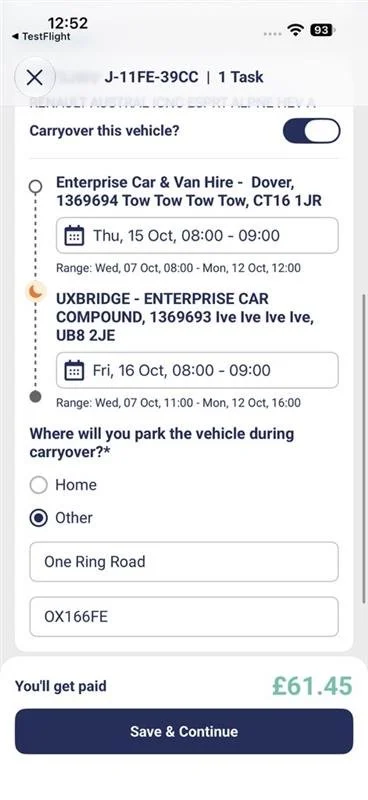
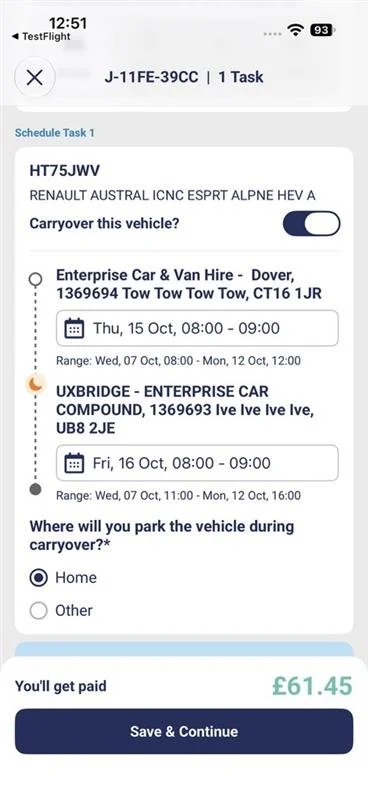
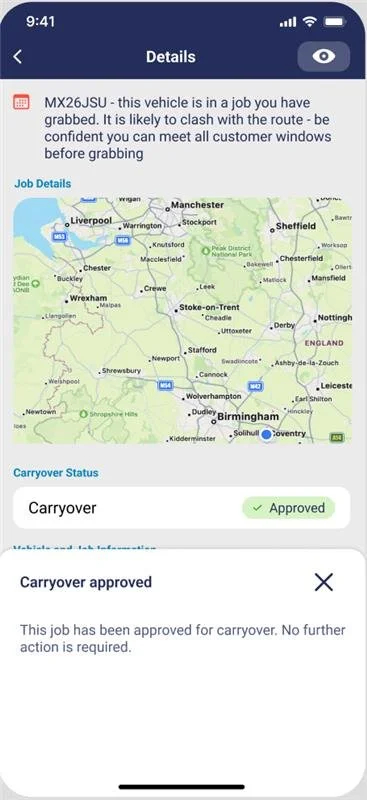
Many requests are approved automatically, so you may get an answer straight away. Some will still need a quick check by our Operations team.
A new look on iPhone
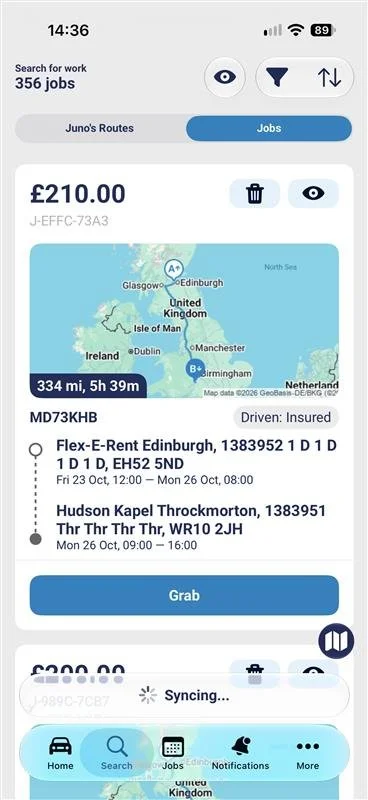
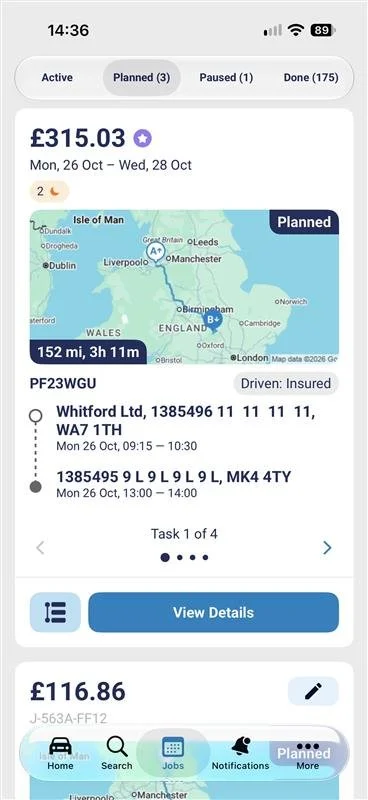
If you use an iPhone, you'll also see a refreshed design that matches the latest iPhone software. Everything you use day to day is still there. It just looks cleaner and more modern.
Using an older iPhone? The refreshed design is only available on iPhones running iOS 26 or later. If your iPhone is on an older version of iOS, you'll stay on your current version of the app.
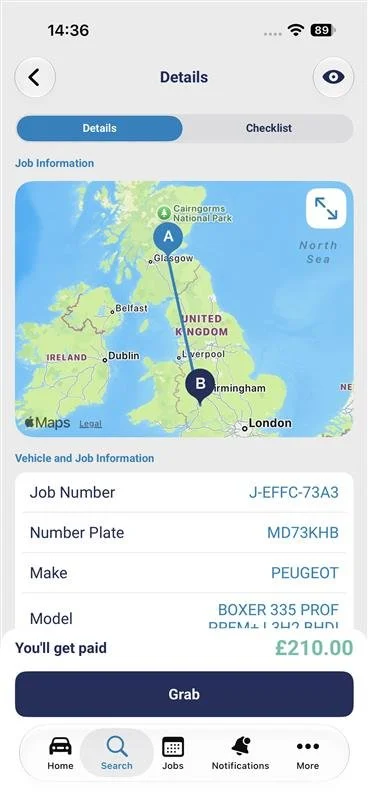
Important: if your iPhone is on iOS 16 or earlier, the app will no longer receive updates and will eventually stop working. We do advise you to upgrade your device to continue using the app.