
New Juno Feature Release
We have two exciting new features to share with you today.
Schedule Clash
When browsing jobs through Juno Routes, you'll now be able to see at a glance if any job conflicts with what’s already in your plan. If there’s a scheduling conflict or you've marked yourself as DND or unavailable on the calendar, the job will show one of the following.
🔴 (in red). Likely Schedule Clash
Based on your current availability and the customer's time window, it's unlikely you'll be able to complete this route on time.
🟠 (in orange). Current Schedule Clash
Based on your current schedule, completing this route may be tight. You may be able to make it work by updating your driver schedule - please review before accepting
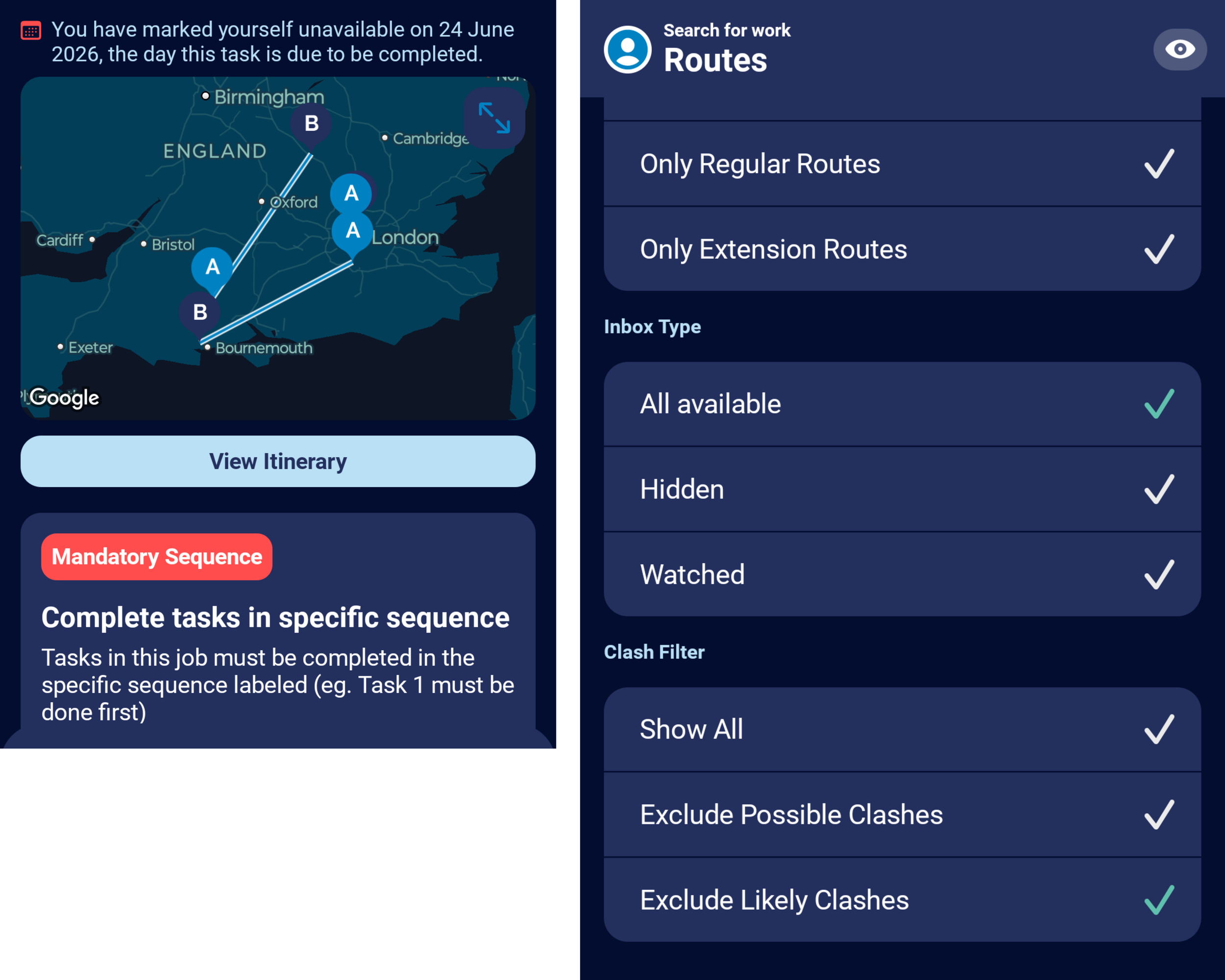
You can filter out likely clashes or current schedules, using the filters. The reason for the clash is also detailed at the top of the details.
These indicators will make it easier to spot conflicts and find valid work before grabbing a Juno Route..
Optional Default View
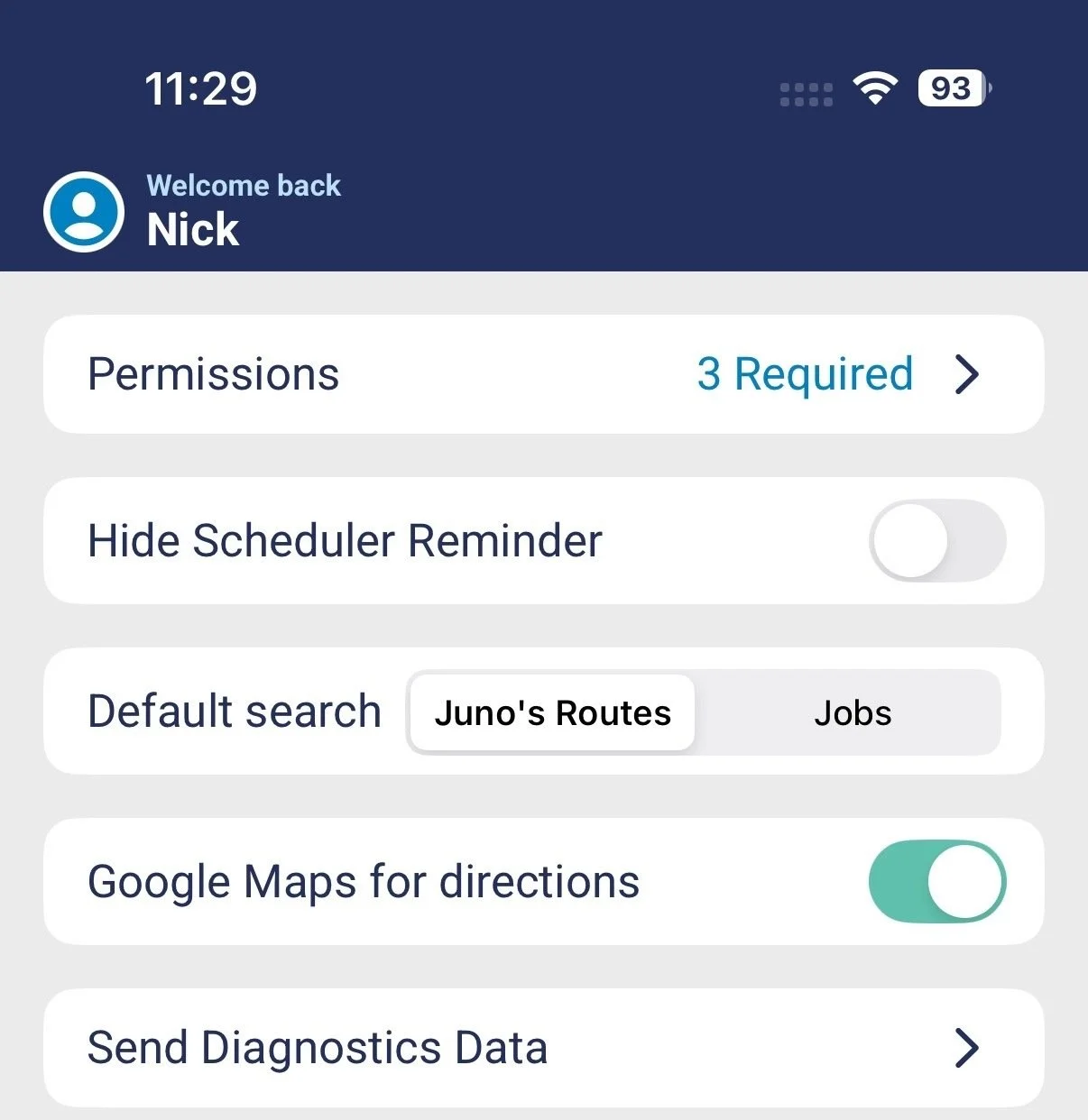
You can now set your preferred default view when choosing jobs. Pick between:
Jobs – The manual search view you're already familiar with
Juno Routes – Jump straight into all routes generated by Juno
Head over to your settings page to set your preference.
We hope you find these new features useful. If you would like to leave your feedback and any suggestions for improvement. Please do so by clicking "Give Feedback"